Saving charts and “my chart”
Saved charts live in your browser and, once you sign in, in your profile on the server too. The chart commands are in “Menu” and appear after you sign in.
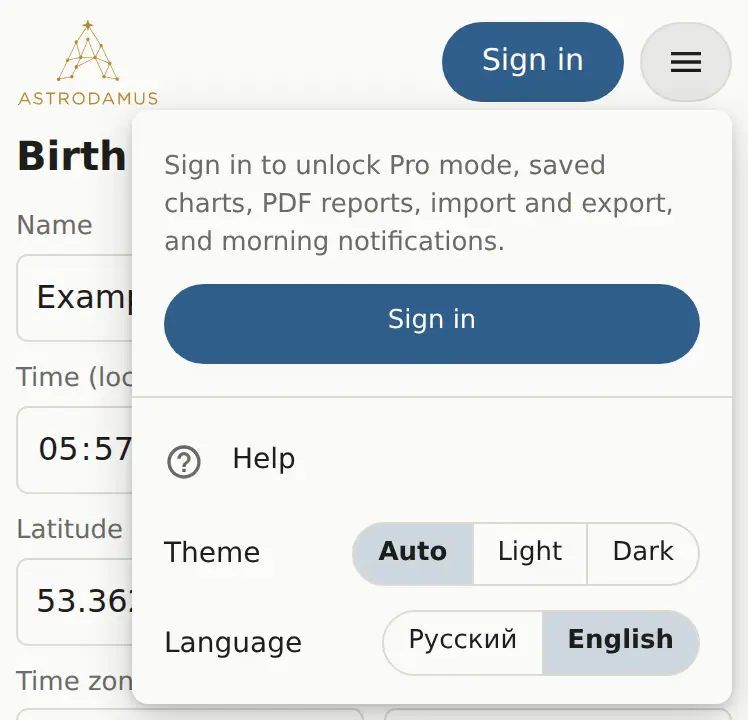
Save a chart
- Build the chart.
- Open “Menu” and click “Save this chart”.
The chart is saved under “name, date, time, city”. Saving the same person again updates the existing entry.
Open and delete
- The “Open saved…” list in the menu: pick a chart and it's built.
- The “My charts” list in the account card does the same and is handier on a phone.
- “Delete selected” deletes the chart picked in the list.
My chart
You can mark one chart as yours. Build it, then click “★ Make this chart “mine”” in the account card. That chart:
- opens on the “Today” screen (Personal forecast);
- drives your morning notifications;
- carries a ★ in the list on every device.
Chart comment Pro
In Pro mode the form has a “Chart comment” field (up to 1,000 characters). The comment is stored with the saved chart and stays out of the link.
What gets saved
Birth data, place of residence, calculation settings (houses, zodiac, node, Lilith, asteroids, Uranians, minor planets, custom points), the comment and your life events. The wheel style and the chosen forecast method live in the link, outside the saved entry.